
2024-10-28
Do Fingerprint Doorlocks Need Wi-Fi?
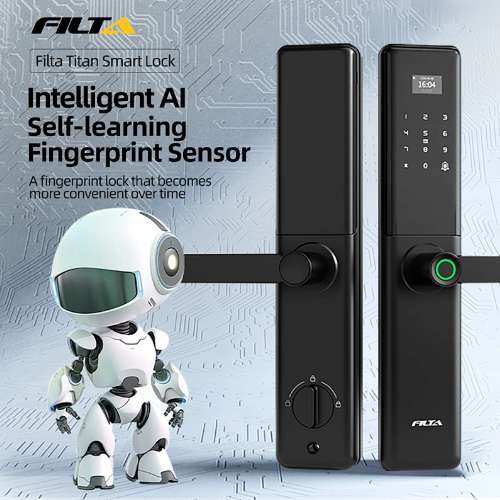
Smart technology has transformed many areas of our lives, with smart fingerprint doorlocks being a standout innovation. These advanced security systems offer enhanced convenience and control over home access. A frequent question, however, is whether smart fingerprint doorlocks can operate effectively without a Wi-Fi connection.
Do Smart Fingerprint Doorlocks Work Without Wi-Fi?
Smart fingerprint doorlocks are generally divided into two types, smart fingerprint doorlocks that support Wi-Fi and smart fingerprint doorlocks that do not support Wi-Fi.
Many smart fingerprint doorlocks can function without a Wi-Fi connection, though the features available may be more limited. The core function of locking and unlocking a door typically operates through Bluetooth or other wireless protocols like Z-Wave or Zigbee. These systems allow you to connect directly to your smartphone when in close proximity, enabling you to control the lock without needing an internet connection. This can be particularly useful in case of a Wi-Fi outage or in locations where internet access is unreliable.
However, certain advanced features of smart fingerprint doorlocks require Wi-Fi to function. For example, remote access—where you can lock or unlock your door from anywhere in the world—depends on an internet connection to communicate with your smart front door with fingerprint lock. Additionally, features like push notifications for activity monitoring, integration with voice assistants (like Amazon Alexa or Google Assistant), and automatic software updates rely heavily on Wi-Fi connectivity.
In summary, while smart fingerprint doorlocks can perform their basic functions without Wi-Fi, for full functionality and maximum convenience, an internet connection is required. If you’re considering a smart front door with fingerprint lock, understanding the balance between offline functionality and online features will help you choose a system that best fits your needs.

Can We Unlock Smart Fingerprint Doorlocks Without Wi-Fi?
Yes, smart fingerprint doorlocks can be unlocked without Wi-Fi. These fingerprint doorlocks rely on biometric technology, such as fingerprint recognition, which operates independently of an internet connection. When you place your finger on the scanner, the front door with fingerprint lock reads the stored biometric data and grants access if it matches. This process occurs locally within the lock’s system, so no Wi-Fi is needed.
While Wi-Fi allows for remote access and additional features like activity monitoring or notifications, the core function of fingerprint authentication does not depend on an internet connection. As a result, even if there is a Wi-Fi outage, you can still unlock your door using your fingerprint or other offline methods like PIN codes or physical keys, depending on the model.
Benefits of Smart Fingerprint Doorlocks with Wi-Fi Connectivity
Smart fingerprint doorlocks with Wi-Fi connectivity offer a range of benefits that go beyond basic security and convenience. These advanced fingerprint doorlocks combine biometric technology with internet connectivity to provide a seamless and enhanced user experience. Below are some of the key benefits of choosing Wi-Fi enabled smart fingerprint doorlocks:
1. Remote Access and Control
One of the most significant advantages of Wi-Fi enabled fingerprint doorlocks is the ability to control your lock remotely. Through a smartphone app, you can lock or unlock your door from anywhere in the world. This is particularly useful if you need to grant access to guests, family members, or service personnel while you're away from home. No need to worry about being physically present—everything can be managed through your phone.
One of the most significant advantages of Wi-Fi enabled fingerprint doorlocks is the ability to control your lock remotely. Through a smartphone app, you can lock or unlock your door from anywhere in the world. This is particularly useful if you need to grant access to guests, family members, or service personnel while you're away from home. No need to worry about being physically present—everything can be managed through your phone.
2. Real Time Notifications
Wi-Fi connectivity allows you to receive real time alerts and notifications directly on your smartphone. You’ll be informed whenever someone unlocks the door or attempts to access it. This feature adds an extra layer of security, enabling you to monitor who is coming and going from your home. If any unusual activity is detected, you’ll know instantly, which helps improve overall home security.
Wi-Fi connectivity allows you to receive real time alerts and notifications directly on your smartphone. You’ll be informed whenever someone unlocks the door or attempts to access it. This feature adds an extra layer of security, enabling you to monitor who is coming and going from your home. If any unusual activity is detected, you’ll know instantly, which helps improve overall home security.
3. Access Logs and Monitoring
Another valuable feature is the ability to track access history. Many Wi-Fi enabled smart locks keep a record of who has entered and at what time, allowing you to review this data whenever necessary. This is especially useful for monitoring access to your home by children, housekeepers, or other visitors. Some systems even allow you to set up specific user profiles for family members, making it easy to track their activity.
Another valuable feature is the ability to track access history. Many Wi-Fi enabled smart locks keep a record of who has entered and at what time, allowing you to review this data whenever necessary. This is especially useful for monitoring access to your home by children, housekeepers, or other visitors. Some systems even allow you to set up specific user profiles for family members, making it easy to track their activity.
4. Smart Home Integration
With Wi-Fi connectivity, these smart locks can be integrated with other smart home devices and systems. They are often compatible with voice assistants like Amazon Alexa, Google Assistant, or Apple HomeKit, enabling voice control over your door lock. You can create routines where, for example, your door automatically locks when you activate your home’s "away" mode. Integration with other smart devices, such as security cameras or lighting, enhances the overall functionality of your home security system.
With Wi-Fi connectivity, these smart locks can be integrated with other smart home devices and systems. They are often compatible with voice assistants like Amazon Alexa, Google Assistant, or Apple HomeKit, enabling voice control over your door lock. You can create routines where, for example, your door automatically locks when you activate your home’s "away" mode. Integration with other smart devices, such as security cameras or lighting, enhances the overall functionality of your home security system.
5. Temporary Access Codes
Wi-Fi smart fingerprint doorlocks often include the option to create temporary or one time access codes. These codes can be sent to guests, delivery personnel, or service providers, allowing them to enter your home without needing a key. The codes can be set to expire after a certain period, adding flexibility while maintaining security. This feature is perfect for Airbnb hosts or homeowners who occasionally need to allow others to enter their home.
Wi-Fi smart fingerprint doorlocks often include the option to create temporary or one time access codes. These codes can be sent to guests, delivery personnel, or service providers, allowing them to enter your home without needing a key. The codes can be set to expire after a certain period, adding flexibility while maintaining security. This feature is perfect for Airbnb hosts or homeowners who occasionally need to allow others to enter their home.
6. Automatic Software Updates
Wi-Fi enabled fingerprint doorlocks can receive automatic firmware updates, ensuring they remain secure and up to date with the latest features. This reduces the risk of security vulnerabilities, keeping your home protected against potential digital threats. Manufacturers often release updates that enhance functionality or fix any potential issues, and having Wi-Fi ensures these updates happen without you needing to do anything manually.
Wi-Fi enabled fingerprint doorlocks can receive automatic firmware updates, ensuring they remain secure and up to date with the latest features. This reduces the risk of security vulnerabilities, keeping your home protected against potential digital threats. Manufacturers often release updates that enhance functionality or fix any potential issues, and having Wi-Fi ensures these updates happen without you needing to do anything manually.
PRODUCT KNOWLEDGE - March 10, 2026
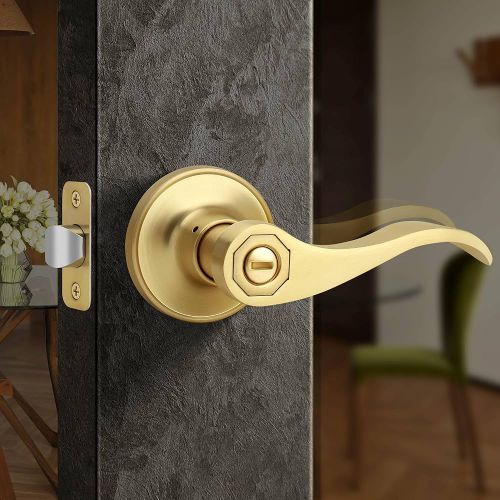
Difference Between Passage and Privacy Lockset
Learn the difference between passage and privacy locksets. Discover how bathroom privacy lock handles improve interior door functionality.
March 05, 2026
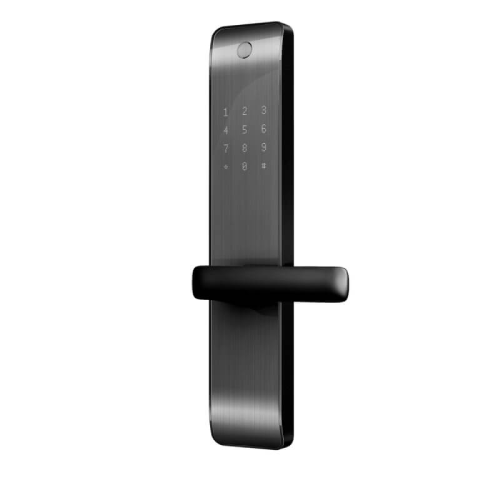
Modern Keyless House Door Lock for Secure Residential Access
Learn about smart door entry system security protocols, digital door entry systems selection criteria, and installation compatibility factors.
PRODUCT KNOWLEDGE - February 28, 2026
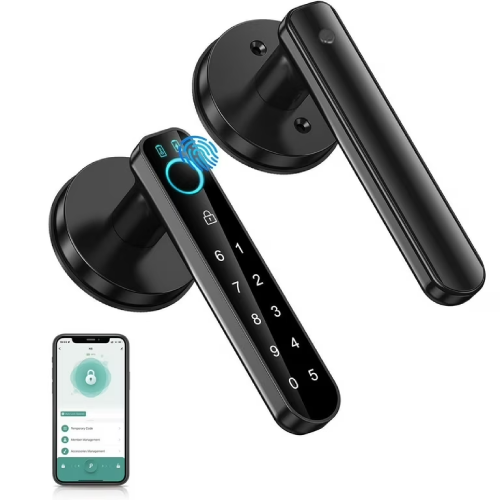
Why Modern Electronic Keypad Door Lock Technology Matters to Businesses
Explore modern electronic keypad door lock solutions for commercial use, covering security standards, smart integration, and OEM supply insights for global buyers.